
Different testing tools answer different questions. Builder preview accelerates focused iteration, traces explain a particular execution, and batch testing measures behavior across a defined suite.
A mature workflow uses all three instead of treating one successful conversation as proof that the agent is ready.
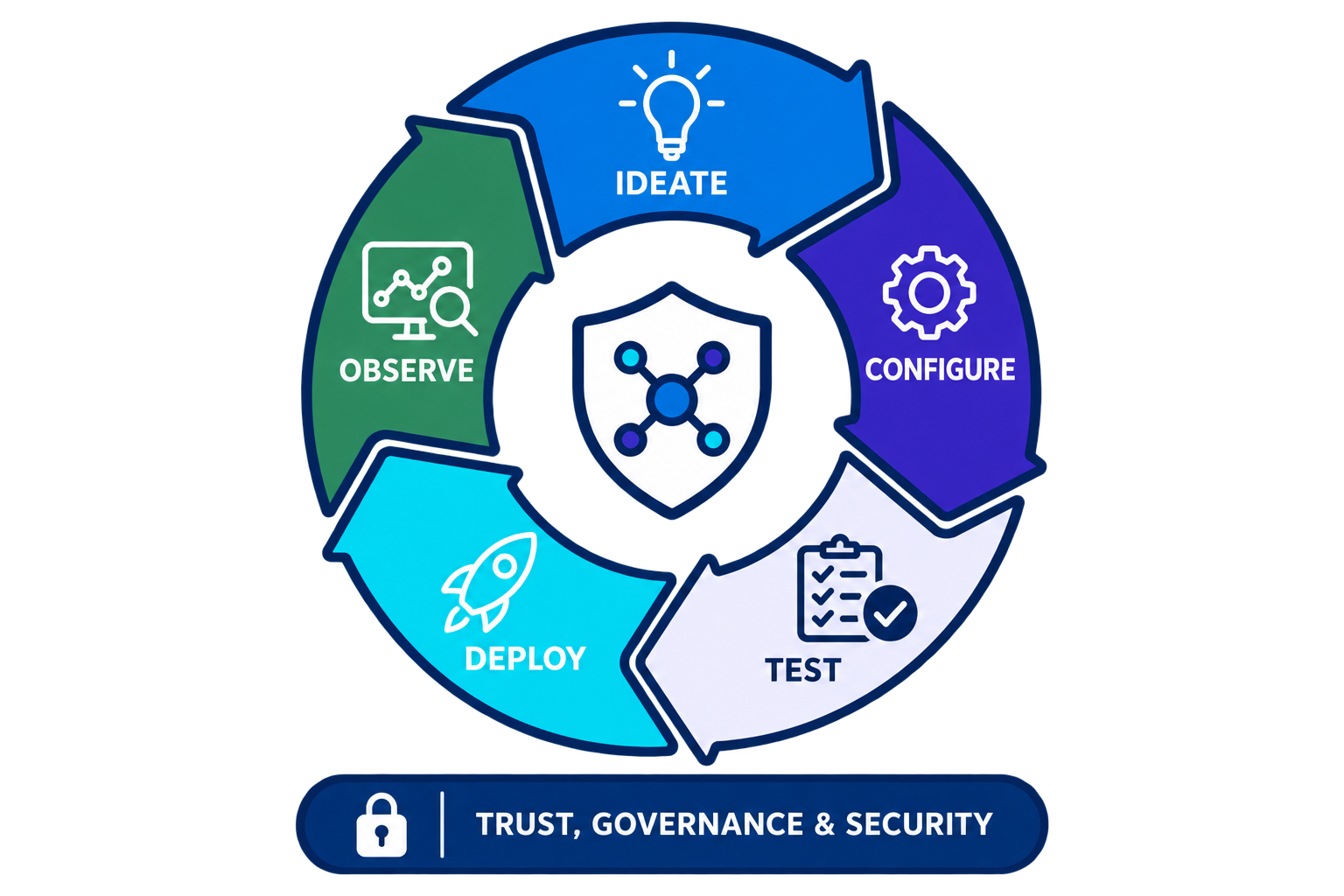
Match the tool to the question
- Use preview for fast exploration of instructions, routing, variables, and individual actions.
- Use tracing when the visible answer does not explain where a session went wrong.
- Use batch suites to measure regressions and compare pass rates across many cases.
- Use explicit evaluation criteria so success is based on business expectations, not reviewer intuition.
Create an efficient test workflow
- Debug a small representative case in preview before expanding the batch suite.
- Record the expected subagent, actions, and response properties for each case.
- Review failures by severity and cluster them by responsible layer.
- Promote fixed failures into a versioned regression suite that runs before release.
Resources
This article is based on the following Salesforce learning and product documentation.